Quick summary
- Correct inaccurate dates or status values when the delivery plan changes.
- Update client association carefully because it affects linked work and reporting context.
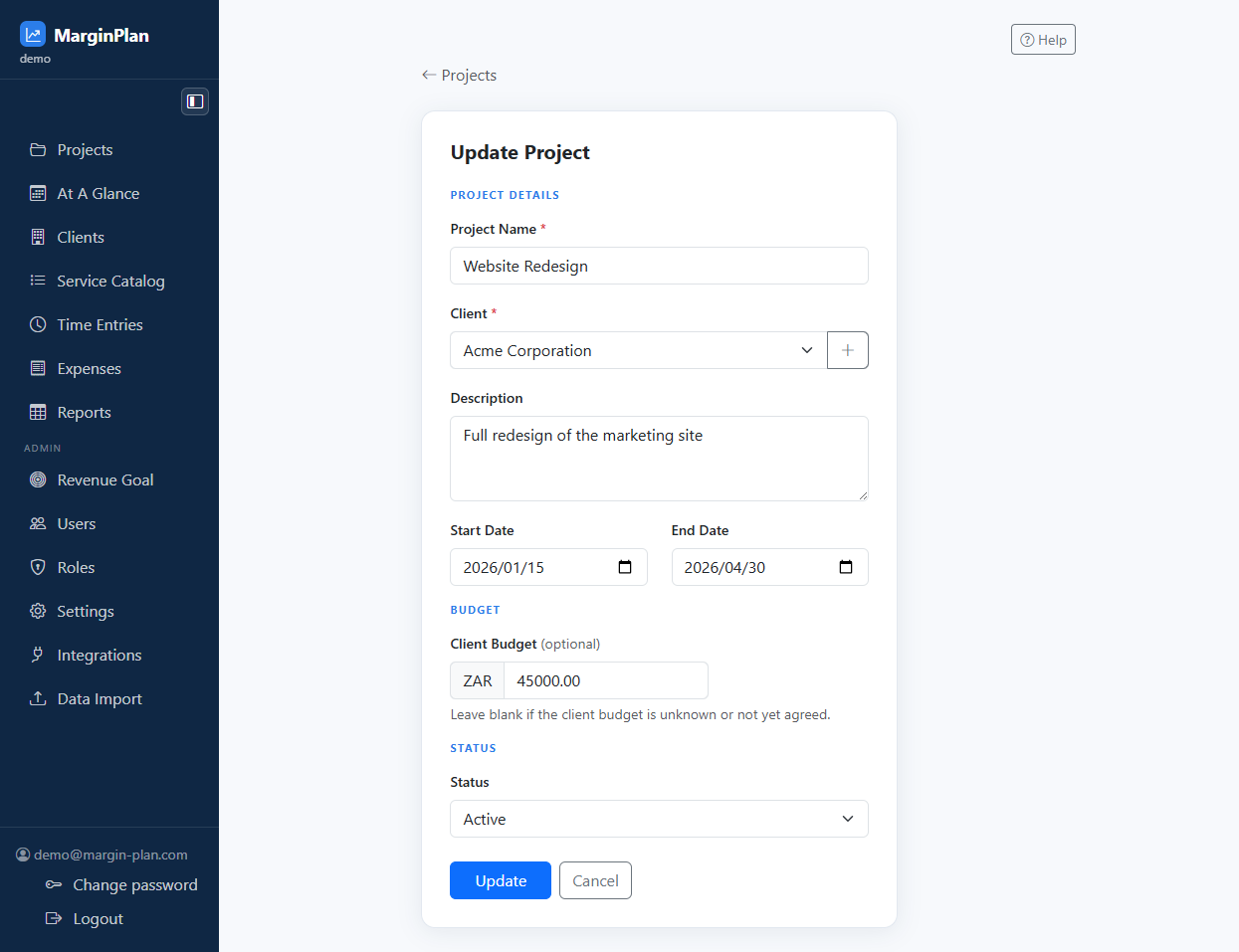
The project maintenance form for correcting setup details without losing the project history around it.
Use this form to create a clean record the first time or safely update an existing one without guessing which field drives downstream behavior.


Confirms whether you are creating or editing, gives you the back path, and is the quickest way to avoid updating the wrong record.
The form is grouped so you can complete one block at a time instead of hunting for every field in a single long screen.
Every required label tells you what must exist before the record can be saved; blank or invalid values should be corrected before moving on.
Use these messages as instructions, not warnings to dismiss. They tell you exactly which field blocks save and why.
Commits the record only after the form validates. Use it after reviewing every section because it is the action that changes workspace data.
Leaves the form and takes you back without finishing the workflow. Use it when you opened the wrong record or need to check related data first.
Read the current values first so you know whether you are correcting data or changing the delivery plan.
These fields update how the project appears in operational and commercial views.
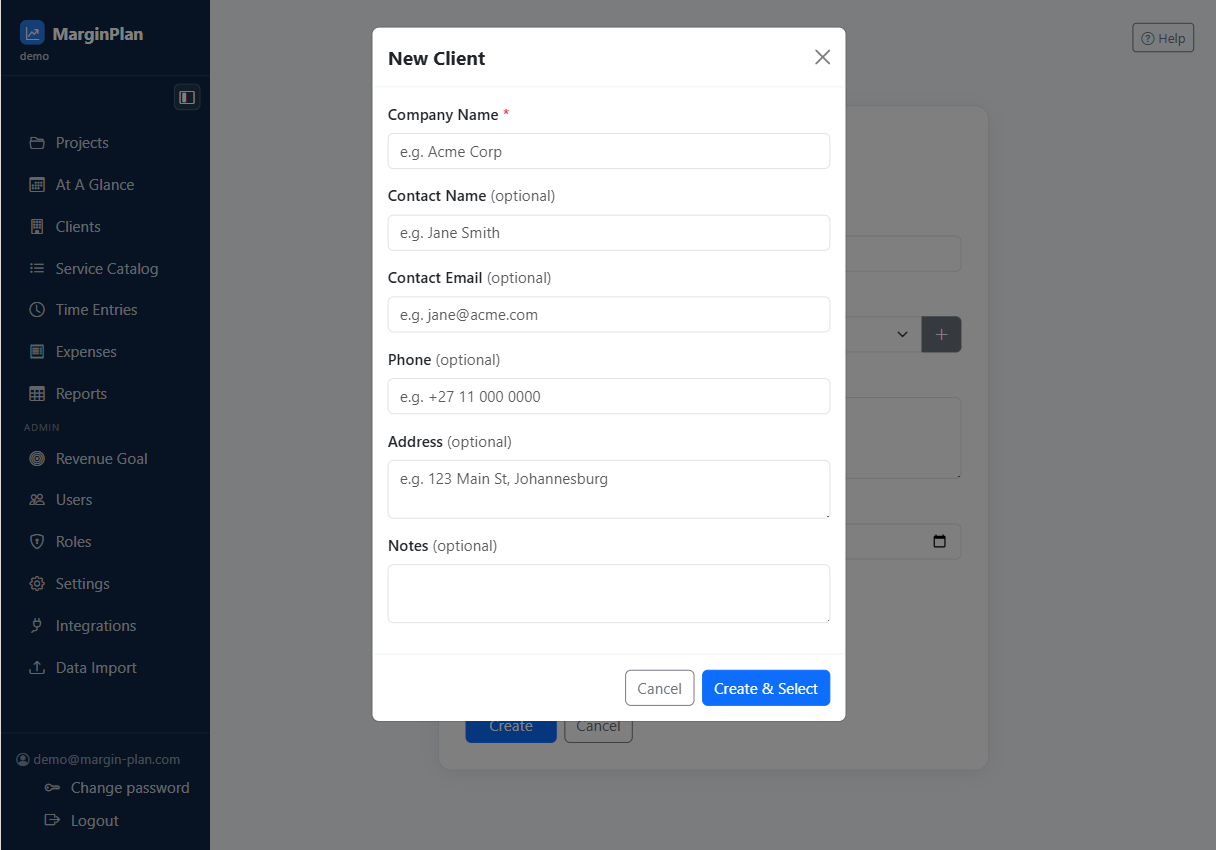
Use the modal only if the project genuinely needs to move to a brand new client record.