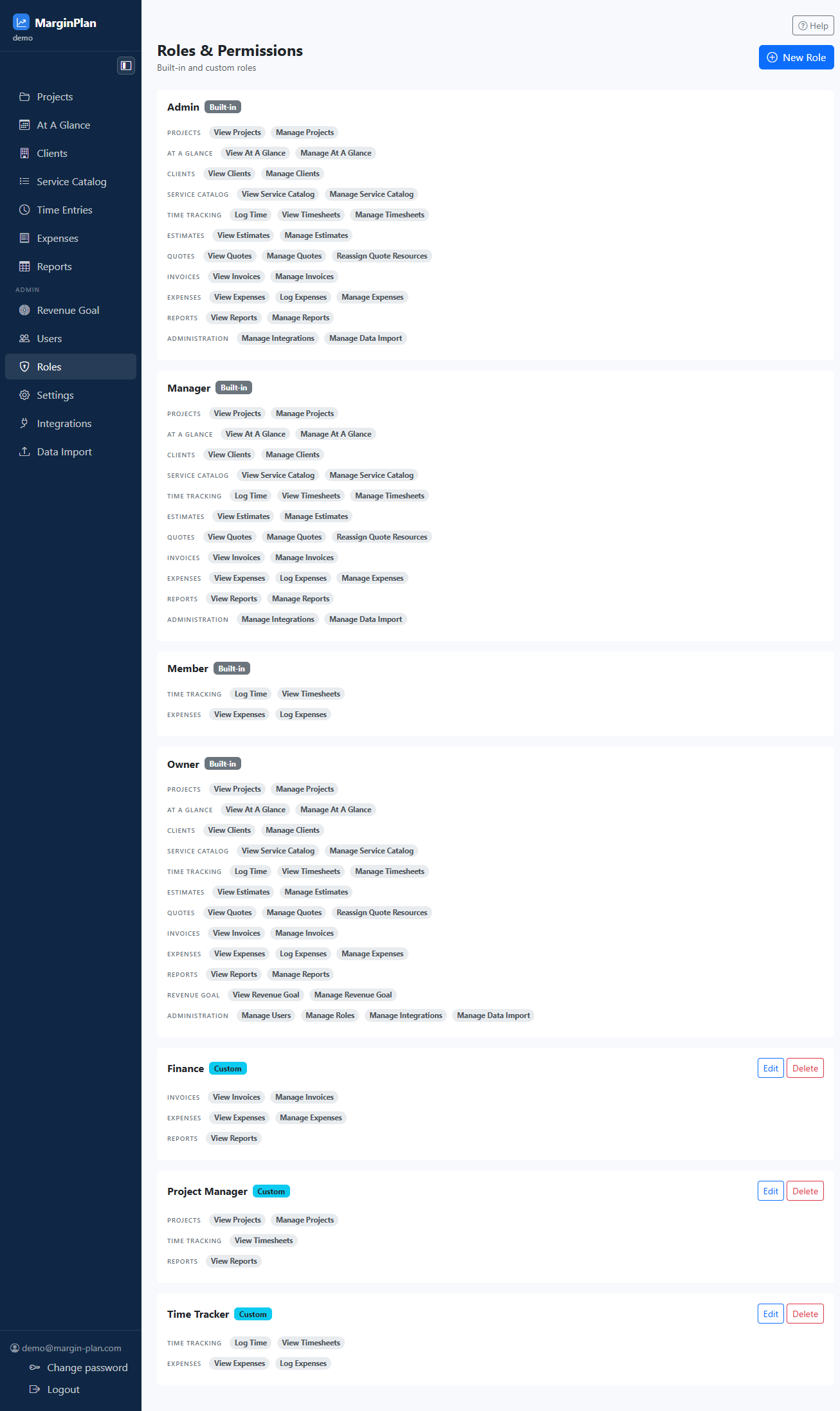
Page header and New Role action
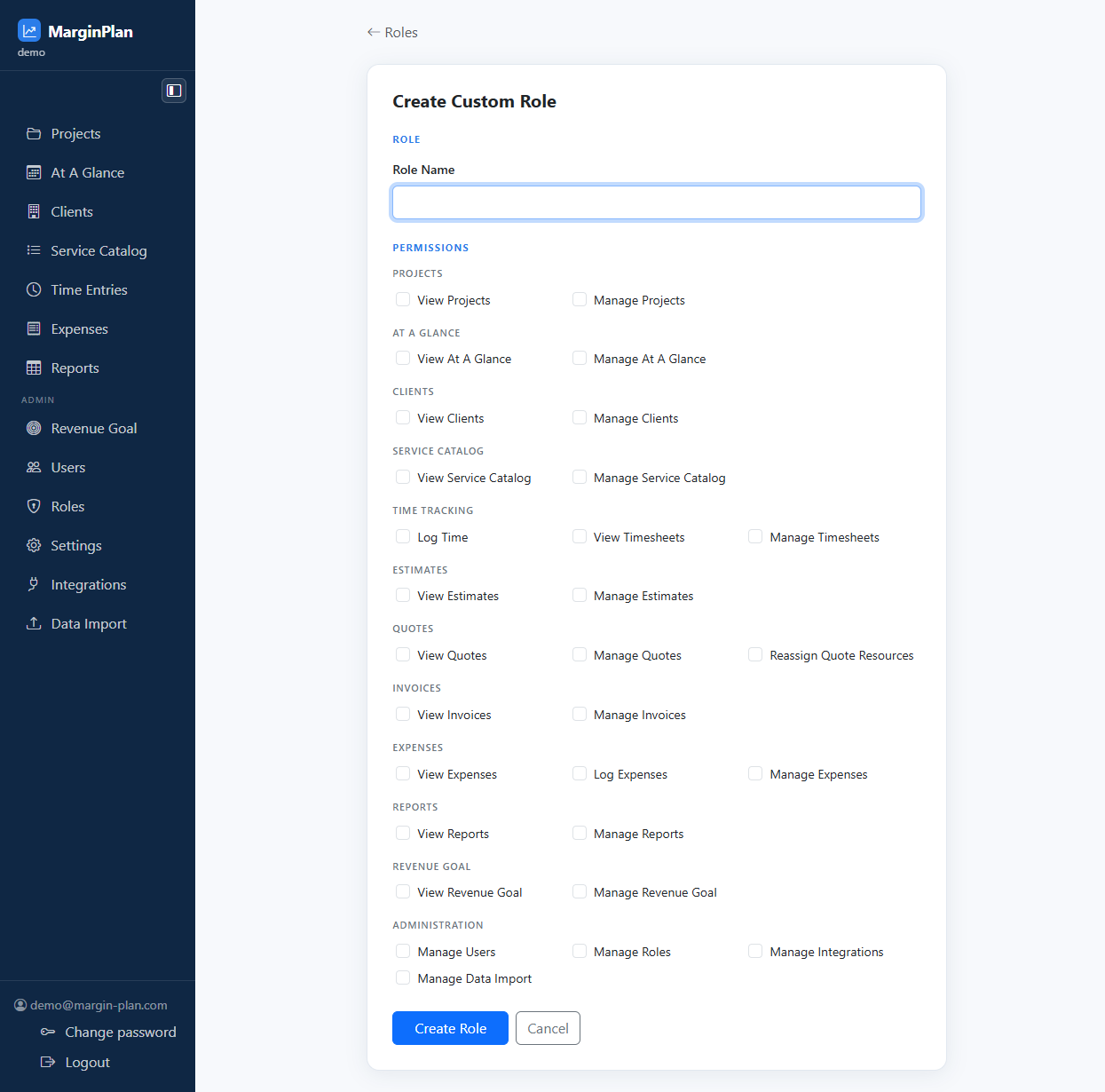
Confirms you are managing permission bundles, not individual users, and gives you the direct route to create a new custom role when the current list is insufficient.
Role cards
Each card represents one reusable permission bundle. Read the role name and built-in or custom badge first so you understand whether the role is meant to be edited or preserved.
Built-in and Custom badges
These badges tell you whether a role is protected by the system or can be maintained directly from this page. Treat built-in roles as reference baselines, not quick edits.
Projects permissions
These permissions govern whether someone can inspect projects only or actively maintain the project records that the rest of the workspace depends on.
- View Projects Allows users to open the Projects list and project detail pages so they can inspect status, budget, margin, delivery, and linked commercial context without changing project setup.
- Manage Projects Allows users to create, edit, archive, and otherwise maintain project records, including project-level setup actions that change the delivery record itself.
At A Glance permissions
These permissions cover the high-level planning and schedule view used to scan project timing across the workspace.
- View At A Glance Allows users to open the At A Glance planning view and inspect the project timeline across the workspace.
- Manage At A Glance Reserves control over any schedule-level maintenance actions tied to the At A Glance area, including legacy schedule-management access where that capability is enabled.
Clients permissions
These permissions control access to the customer records that projects, quotes, and invoices attach to.
- View Clients Allows users to open the Clients list and client detail pages so they can review account information and linked work.
- Manage Clients Allows users to create, edit, merge-related, or otherwise maintain client records that downstream projects and documents depend on.
Service Catalog permissions
These permissions control the reusable pricing foundation used by estimates, quotes, and delivery planning.
- View Service Catalog Allows users to open the Service Catalog and inspect reusable offerings, groups, resources, rates, and categories without changing them.
- Manage Service Catalog Allows users to create and edit Service Catalog records, including the reusable pricing inputs that estimates and quotes depend on.
Time Tracking permissions
These permissions separate logging your own time from reviewing broader timesheet activity and managing corrections or approvals.
- Log Time Allows users to create and submit time entries, open time-entry forms, and book effort against permitted projects and tasks.
- View Timesheets Allows users to open timesheet, pending, unsubmitted, and project work-log views so recorded time can be reviewed.
- Manage Timesheets Allows users to approve, correct, reopen, and broadly manage timesheet records beyond simple self-service logging.
Estimates permissions
These permissions decide who can inspect pricing plans and who can actively change the estimating model behind commercial work.
- View Estimates Allows users to open estimate records and review pricing assumptions, scope, resources, and totals without editing them.
- Manage Estimates Allows users to create and edit estimates, change estimate line structure, and update pricing assumptions that drive quotes and margin planning.
Quotes permissions
These permissions cover client-facing quote records, including the specialized resource-reassignment workflow.
- View Quotes Allows users to open quote records and inspect client-facing commercial details without changing the quote.
- Manage Quotes Allows users to create, edit, and maintain quote records and the quote workflow built from project estimates.
- Reassign Quote Resources Allows users to run the quote-resource reassignment workflow when work needs to move between resources without rebuilding the quote manually.
Invoices permissions
These permissions control who can inspect billing records and who can actively change invoice data and billing workflows.
- View Invoices Allows users to open invoice records and inspect billing status, line items, and payment context without editing the invoice.
- Manage Invoices Allows users to create, edit, issue, and otherwise maintain invoice records and invoice-linked billing actions.
Expenses permissions
These permissions separate expense visibility and self-service entry logging from full administrative maintenance of expense records.
- View Expenses Allows users to review expense records and expense history so project cost can be inspected without changing entries.
- Log Expenses Allows users to create and submit expense entries against the projects they are allowed to charge.
- Manage Expenses Allows users to approve, edit, delete, and broadly maintain expense records beyond simple entry logging.
Reports permissions
These permissions separate report consumption from ownership of saved report definitions and reporting setup.
- View Reports Allows users to open the reporting workspace, run report queries, and review saved reports and raw results.
- Manage Reports Allows users to create, update, and delete saved reports and other report definitions, not just read the reporting output.
Revenue Goal permissions
These permissions control access to Revenue Goal planning, including both the goal calculator and the Capacity-to-Revenue Planner assumptions and outputs.
- View Revenue Goal Allows users to open the Revenue Goal area and review goal assumptions, targets, and calculated outputs.
- Manage Revenue Goal Allows users to edit revenue-goal assumptions, targets, and budget items that drive the calculator's outputs.
- View Capacity-to-Revenue Planner Allows users to open the Capacity-to-Revenue Planner and review monthly capacity, utilisation, and feasibility outputs.
- Manage Capacity-to-Revenue Planner Allows users to manage saved planner assumptions and operational capacity-planning settings where editing is enabled.
Administration permissions
These permissions unlock workspace administration actions that affect people, access, integrations, and bulk data movement.
- Manage Users Allows users to open user administration and create users, change assigned roles, activate or deactivate accounts, choose linked-resource handling during deactivation (keep, unlink, or delete), and reset passwords.
- Manage Settings Allows users to open and update workspace-wide settings, including defaults, tolerances, tax/VAT rates, and invoice profile fields.
- Manage Roles Allows users to open role administration and create, edit, or delete custom roles and their permission bundles.
- Manage Integrations Allows users to configure and maintain connected integrations and the related operational settings and sync controls.
- Manage Data Import Allows users to open the Data Import area, download templates, upload import files, preview imports, and review import history.
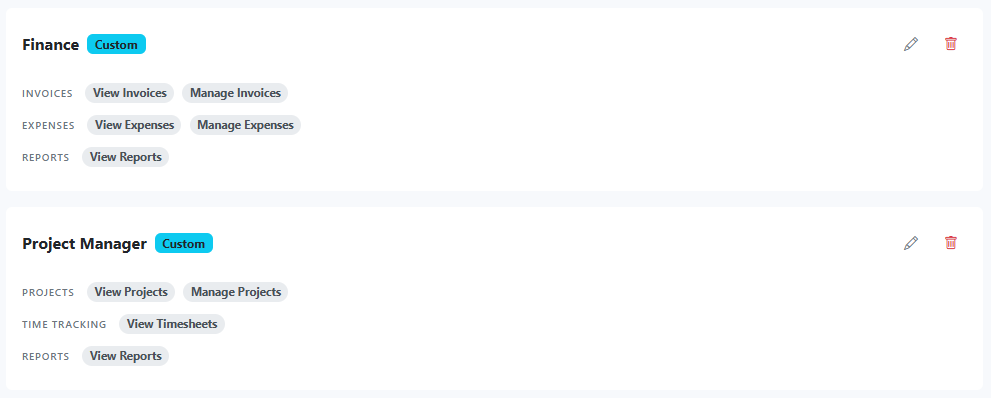
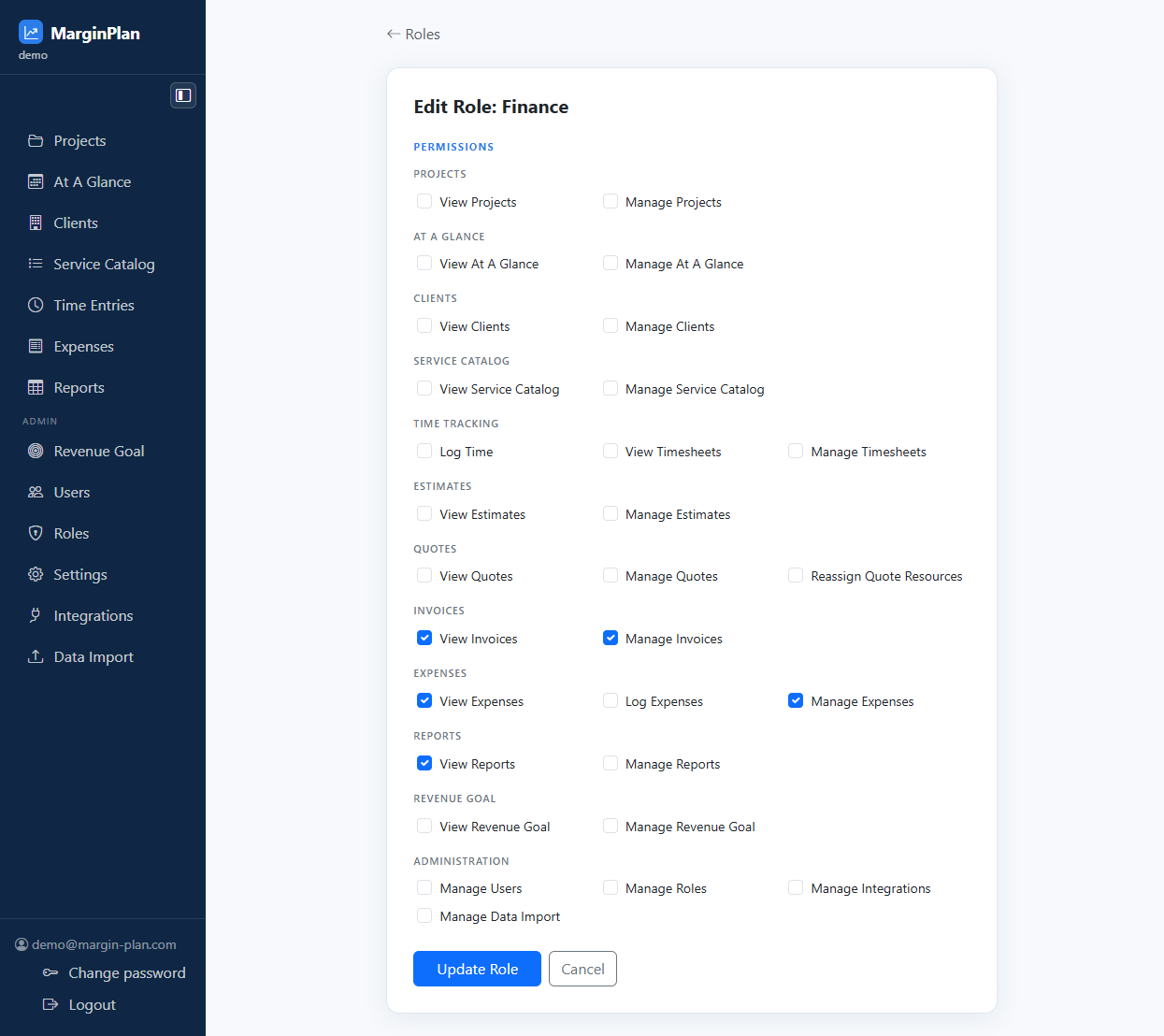
Edit action
Opens the custom role form so you can adjust the permission checklist deliberately instead of changing user assignments blindly.
See guide:
Edit Role
Delete action
Removes a custom role after confirmation. Use it only when the permission bundle is no longer needed and you already understand who is still assigned to it.